Three tools that get lumped together
Say you run a building-supply counter in Chilliwack. Supplier invoices arrive as attachments, customers email half-written quote requests, and the stock system is an older program nobody wants to touch. Someone tells you automation will fix all of it. They may be right, but three quite different tools hide under that one word, and each suits a different part of the day.
Workflow automation passes information between apps by rules you set. RPA, short for robotic process automation, is software that operates a screen the way a person would, clicking and typing. An AI agent is given a goal, then decides its own steps, uses tools and checks its work inside limits people set. The rest of this guide shows how to tell which one a job needs.
Workflow automation: the dependable default
A workflow tool, such as Zapier, Make or n8n, watches for a trigger and then runs a fixed chain of actions. A form is submitted, a row appears in a spreadsheet, a deal is marked won in HubSpot, and the next steps happen without anyone retyping. Same input, same result, every time, which makes it easy to test and cheap to run.
Its weakness is the unexpected. If a customer writes a paragraph where your rule expects a postal code, the chain stalls or does something silly. That is why most owners should start here for anything with clear steps, and why our business process automation work begins with the rules before anything cleverer is added.
RPA: a robot for the program with no door
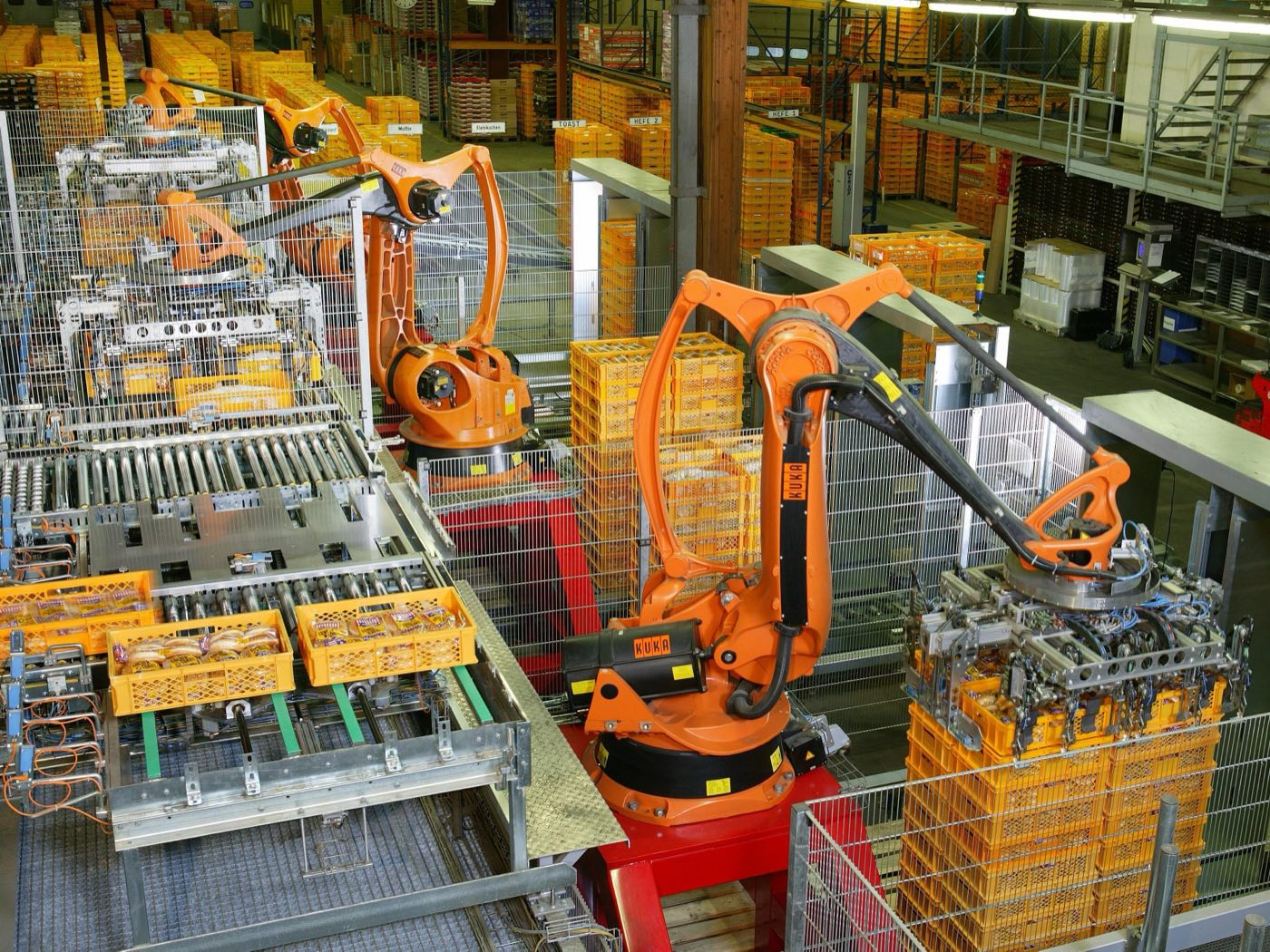
Back at the supply counter, the stock system cannot connect to anything. An RPA robot can log in, open the right screen, type the figures from an invoice and save, just as a clerk would. It lets old software take part in new routines without anyone rebuilding the old software.
The catch is fragility. If a vendor moves a button or renames a field, the robot may stop, or enter the wrong thing without telling anyone. Ask first whether the program offers a proper connection, called an API, or whether it is due for replacement. RPA is often a bridge, so plan for the day the screen changes.
AI agents: when the next step depends on reading
Those half-written quote requests are where an agent earns its keep. It can read the message, work out what the customer is asking for, look the product up in your catalogue and draft a reply for staff to approve. Rules alone struggle here because the input differs every time. Reading and weighing are what an agent is for.
The price of that flexibility is new kinds of error. An agent can misread a request or invent a detail, and its running cost depends on how much it does. So it needs narrow permissions, a log of every step, testing on real messages and a person who approves what matters. That is how we approach AI workflow automation, and multi-agent systems when several specialists share one job.
Three questions that pick the tool
Take any job and ask three things. What arrives: a fixed form, or a message in someone's own words? What decides the next step: a rule you could write on a card, or a judgement call? Where does the work happen: in an app that offers a connection, or on a screen that offers none? The answers usually point to one tool, and sometimes to a pair.
Most real processes use more than one. A workflow tool carries the order along, an agent reads the odd email at the start, and a person approves the result. If you would like a second opinion on a job of your own, book a free consultation by phone, by video or at the Abbotsford studio, and bring one real example of the work.
- Fixed input, a rule decides, the app has a connection: workflow automation
- Fixed input, a rule decides, no connection: RPA, or replace the program
- Messy input or a judgement call: an AI agent, with a person approving
- Messy input and an old program: an agent to read, a workflow or RPA to enter
Labels overlap, so plan by the job
As you plan for 2027, notice how much the product labels overlap already. Workflow tools offer AI steps, and agent tools offer fixed rules, so a supplier's category tells you less than it used to. What stays useful is your own description of the job: its input, its decision and where it happens. Write those down before you compare products, and the comparison gets much simpler.
- 01Describe each job by input, decision and location before you shop
- 02Ask every supplier what happens when their tool gets it wrong
- 03Keep a list of what each automation is allowed to touch
Questions & answers
Workflow automation passes data between apps through their official connections, while RPA operates an app's screen as a person would. Use the first when the apps offer a connection, because it is steadier. Use RPA when a program has none and replacing it is not yet possible. Both follow rules you set.
No, they solve different problems. RPA repeats fixed steps on a screen, while an agent reads, decides and chooses its next move. An agent can even be given screen controls, though a proper connection is steadier when one exists. That flexibility also means an agent can be wrong in new ways, so it needs review.
Usually workflow automation, because the rules are plain, the cost is predictable and mistakes are easy to trace. Pick one repeated job, such as sending a confirmation and a reminder, and get that working. Add an agent only for a step that needs reading or judgement, and keep a person approving the results.
Yes, and many processes do. A workflow tool can trigger an agent to read an incoming message, hand its summary to a rules step, and pass old-system entry to an RPA robot. Give each step an owner and a log, so when something goes wrong you can see which tool did what.