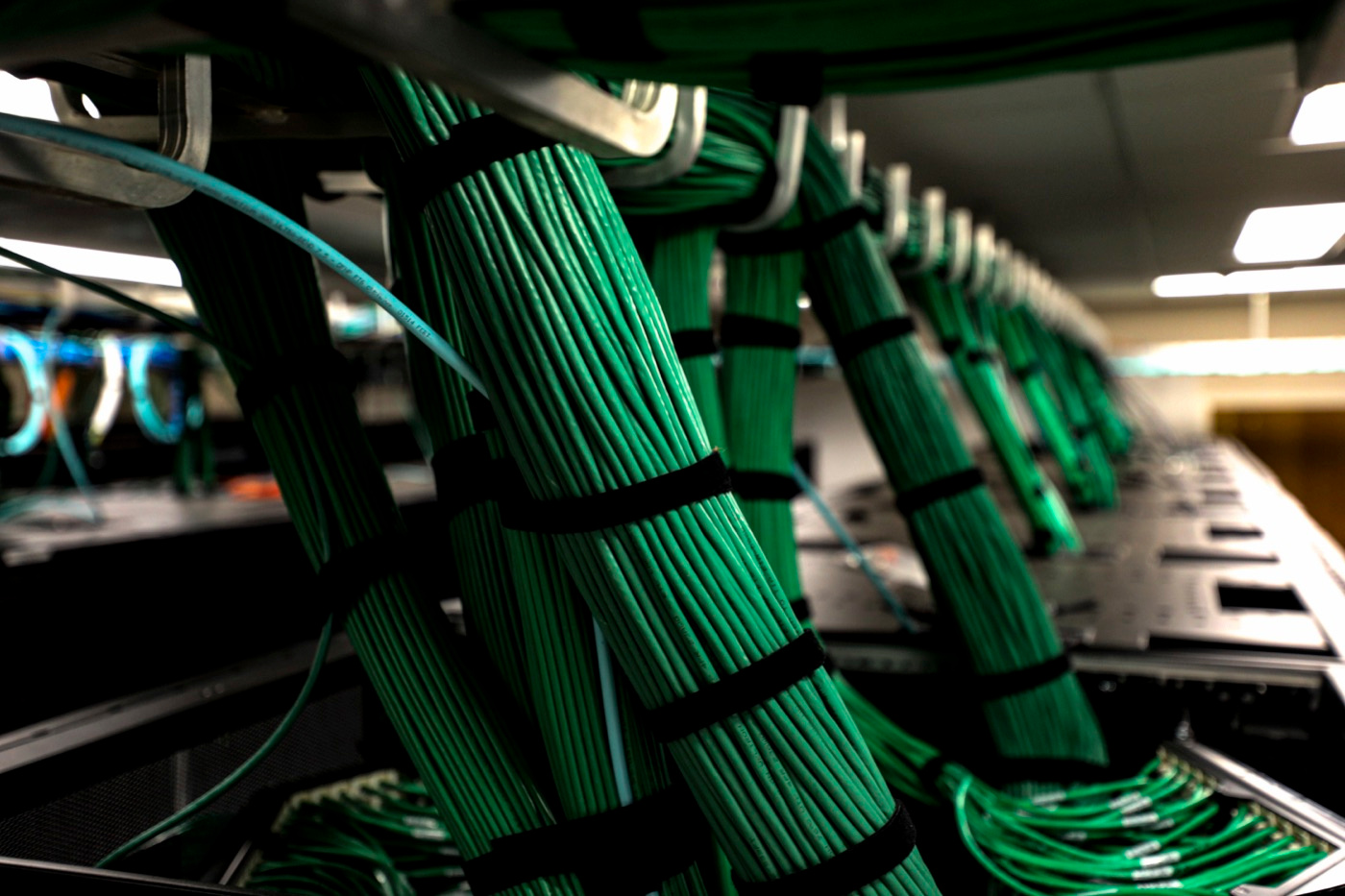
Keep what already works
Your accounting package, booking system or CRM probably holds years of correct records. Replacing them to add an agent would be costly and risky, and nobody needs an agent to hold your books. A better picture is an assistant who sits beside your software, reads what it contains and asks it to do small, defined things.
Say a Chilliwack equipment-rental shop takes reservations in one program and answers questions from a shared inbox. The reservation program stays exactly as it is. An agent might read incoming messages, check open dates and draft a reply, leaving the booking itself to the system and the final send to the counter staff.
How an agent reaches your software
An agent cannot use a program unless it has a way in. The usual way is an API, an agreed method for one program to ask another for information or an action. Many products publish one. If yours does not, there are other doors: scheduled exports, a shared inbox, or a small connector written for the purpose, which is the kind of job our API development and integrations work covers.
On top of the connection sits a set of tools, each one a narrow action such as find a customer, list open invoices or create a draft note. The agent can only do what its tools allow. That is the safest principle in this area: define small tools, and leave out anything you would not hand a new hire on day one.
- Does the program offer an API, and what can outsiders see or change?
- Which actions can be switched off, such as deleting or paying?
- Can the agent sign in as its own user, not as a staff member?
- Does it keep a history of who or what changed each record?
Permissions: read, propose, then act
Think of three rungs. At the first, the agent only reads: it can look things up and summarize, but it changes nothing. At the second, it proposes: it drafts the reply, the entry or the note, and a person approves. At the third, it acts alone, but only on small, reversible tasks you have named in advance. Most jobs belong on the second rung for a good while.
Give the agent its own account with the narrowest access that lets it do the job, and no power to delete or spend. Keep a log of every step, so you can see what it read and why it did what it did. Test it on real examples from your own files, including the awkward ones, before it touches a live record.
Choose one small first job
A good first job is narrow, repeated and low in risk. Sorting a shared inbox into categories, drafting replies to common questions, or preparing a weekly list of quotes that have gone quiet are all candidates. A poor first job moves money or handles private records, because those are the places where a mistake costs the most.
Run it alongside your people first. The agent drafts, staff compare its work with what they would have done, and you note where it was wrong. After some weeks of real use you have your own evidence, which beats any promise from a supplier, including us. Then decide whether to widen its permissions, change its instructions or stop.
Private data and the people around the system
When an agent reads a customer record, that information may be sent to a model provider to be processed. PIPEDA and BC's Personal Information Protection Act apply to personal information, and CASL applies to commercial messages, so check where data goes and what each vendor's terms say. We work alongside your lawyer or accountant where it matters, and none of this is legal advice.
Staff need simple rules too: what the agent may be asked, what stays out of it, and whom to tell when it gets something wrong. Another risk is text inside an email that tries to give the agent orders, called prompt injection, so an agent should never treat message contents as instructions. Our AI software development and autonomous software development teams build with that in mind.
To begin, list the programs you use, the routine job that eats the most time, and what would go wrong if an agent erred there. Bring that list to a free consultation, by phone, by video or at the Abbotsford studio. If you want a structured look first, an AI readiness assessment ranks the candidate jobs.
Get ready for 2027 before you build
If agents are on your list as you plan for 2027, treat the coming months as time to prepare, not a deadline. Tidy the data your programs hold, find out which of them offer a connection, and write down who may approve what. Those jobs help whether or not an agent ever arrives, and they make a later pilot safer and cheaper to run.
- 01Check which of your programs offer an API or an export
- 02Clean the fields an agent would read, such as names and statuses
- 03Name one person who owns the agent's results
Questions & answers
No. In most cases the agent works beside the programs you have, reading from them and asking them to do small actions through a connection. Replacement only makes sense if a program is too old to offer any connection at all, and even then, modernizing it is often a smaller step than starting over.
Sometimes. It may read exported files or a shared inbox, a developer can write a small connector, and some agents can operate a screen. Each is slower or less dependable than an official connection, so weigh the effort against updating the program. Test any workaround on non-critical records first.
It can be, if you control what it can do. Start read-only, give the agent its own account with narrow access, forbid deleting and spending, keep a log and have a person approve changes. No setup removes all risk, which is why the first jobs should be small and checked.
Four things: how many programs it must connect to, how much it is allowed to do, how often it runs, and how much testing the job needs. The model provider usually charges by usage, so costs rise with volume. A short scoping conversation gives you an estimate based on your own work.